The #1 DJ app for iPhone and iPad
Requires iOS 15 or newer • Release Notes
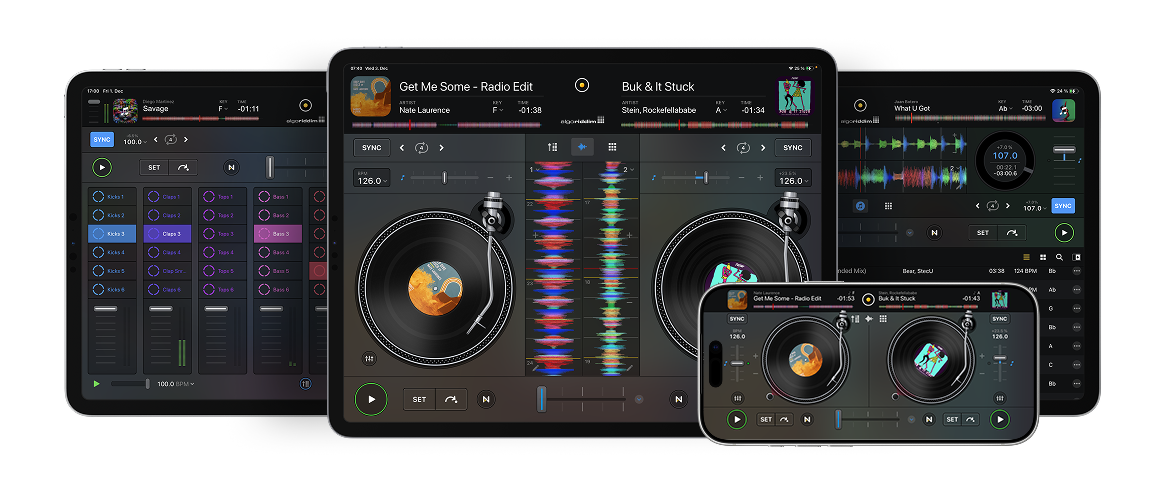
Welcome to djay! The world's #1 DJ app and winner of multiple Apple Design Awards transforms your iPhone or iPad into a complete DJ system. Connect your Spotify or Apple Music account to access millions of songs and start mixing right away — all inside djay. Whether you're learning to DJ or performing professionally, djay delivers the most powerful yet intuitive experience wherever you go.
Seamless Media Library
With djay, an entire world of music comes together seamlessly. Instantly access your favorite songs from Spotify or Apple Music, dive into millions of tracks from TIDAL, SoundCloud, Beatport, and Beatsource, or browse your own local library – all within one powerful media library. Whether it's streaming, downloads, or personal playlists, djay unifies your music so you can focus on mixing.
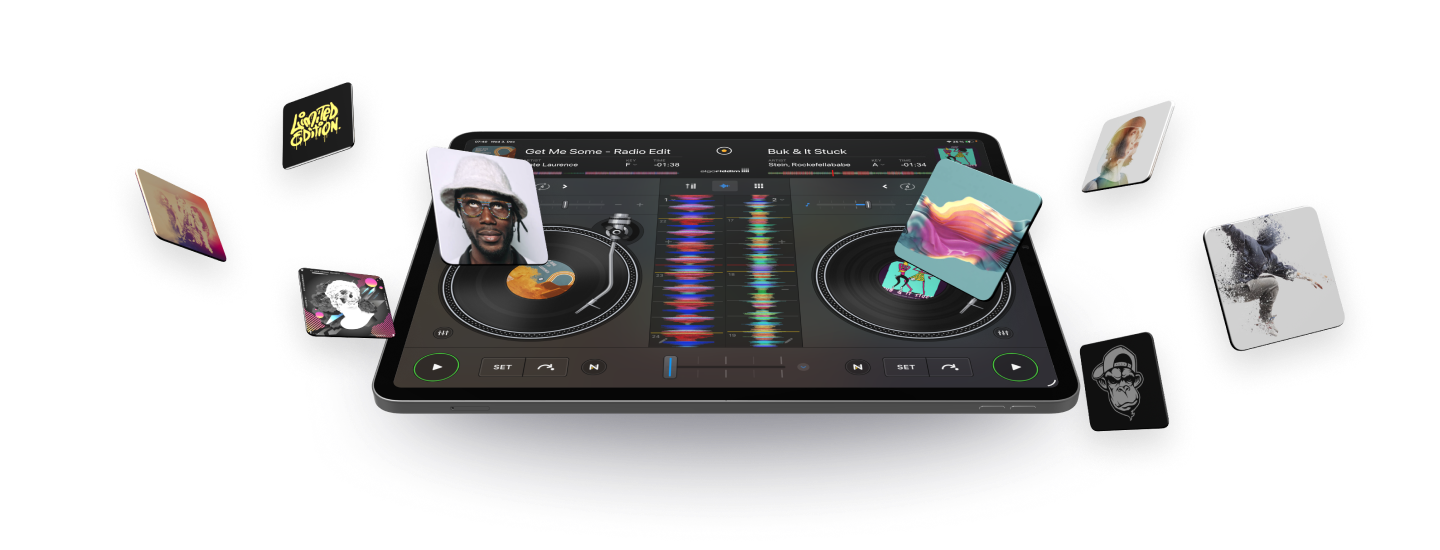
Apple Music integration in djay is available across all platforms – bringing unparalleled music access to djay users. Connect your Apple Music account directly within djay for immediate access to a catalog of over 100 million songs, including your personal library, in the cloud.
Mix millions of songs from Spotify's entire catalog right inside djay — including your own playlists and Spotify's editorial picks. Whether you're DJing with hardware or letting Automix take over, Spotify is now at the core of the djay Pro experience.
djay's acclaimed user interface has won multiple Apple Design Awards for excellence in design and ease of use. It offers the most intuitive yet powerful interface to mix music: a classic turntable and a mixer setup, an immersive Automix view with gorgeous album cover display, an all-new 2-Deck pro mode to view high resolution waveforms and your library side by side, live music production tools, and so much more.
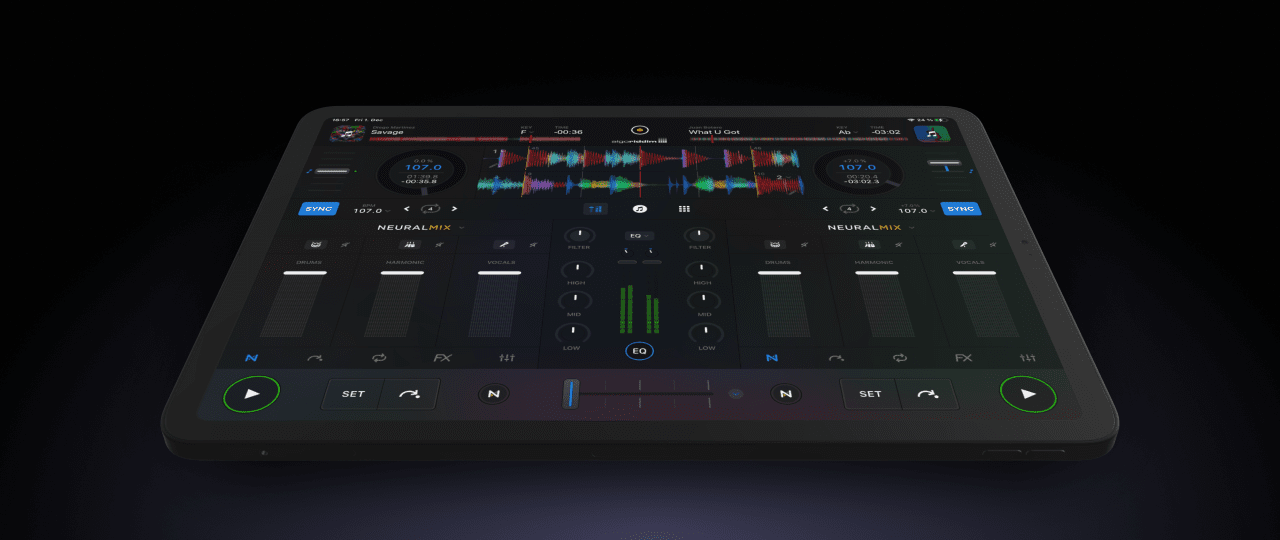
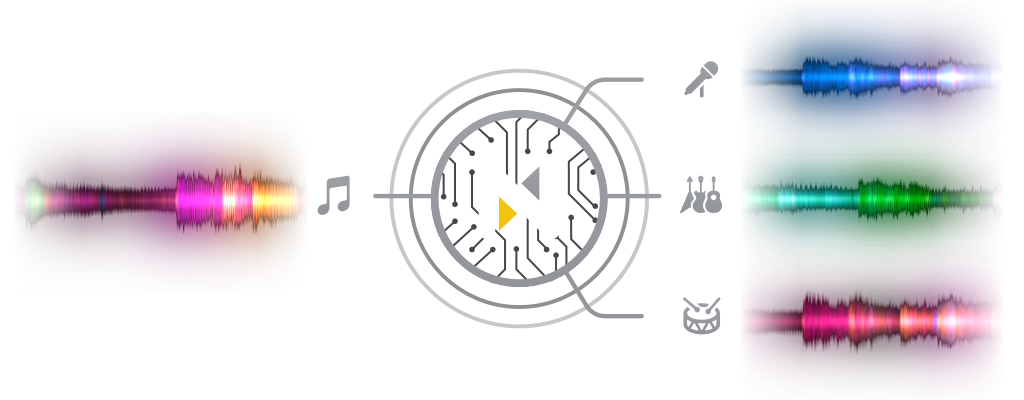
djay Pro introduces Algoriddim's revolutionary Neural Mix™ technology allowing DJs to play and remix singular elements from multiple tracks in real-time. Instantly isolate beats, instruments, and vocals of any song based on cutting-edge AI.
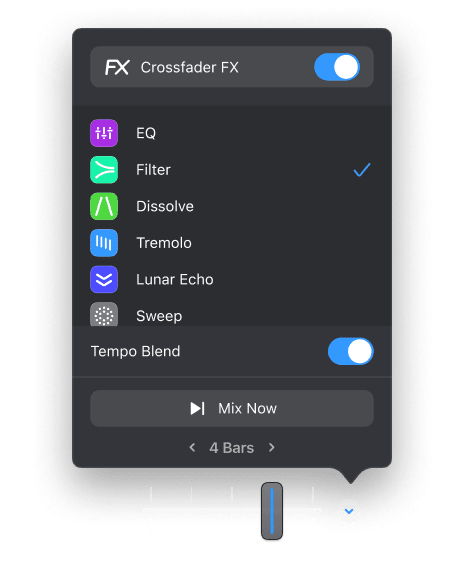
Crossfader Fusion™ allows you to seamlessly morph tracks by deconstructing music in real-time while intelligently applying filters and effects. Fluid Beatgrid™ is the world’s most sophisticated beat matching engine enabling effortless transitions across diverse musical genres and tempos.
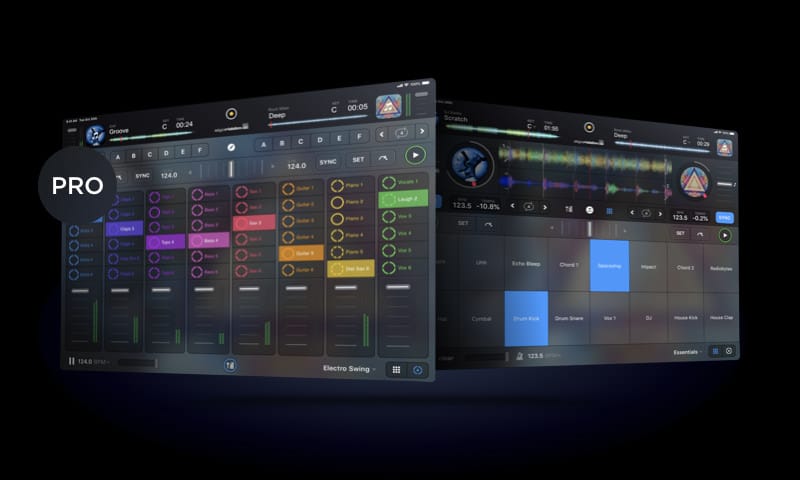
DJs wanting to spice up their sets can use the new music production tools in djay to record and sequence loops during the mix. It's as easy as tapping samples in time with the playing track, and it'll automatically quantise, sync and repeat. If you want to dive deeper into unique musical performance can load up the grid-based Looper with up to 48 loops, all time-stretched and perfectly matched to the beat in real-time. It's not just mixing — now it's remixing with djay.
The Video mode in djay allows you to mix videos and Live Photos and apply stunning audio reactive visual loops to your songs, perfectly synchronized to the music. Transitions, Visuals, FX, Titles, real-time and fully integrated.
Visual Loops
Transitions
Title & Image Overlays
External display
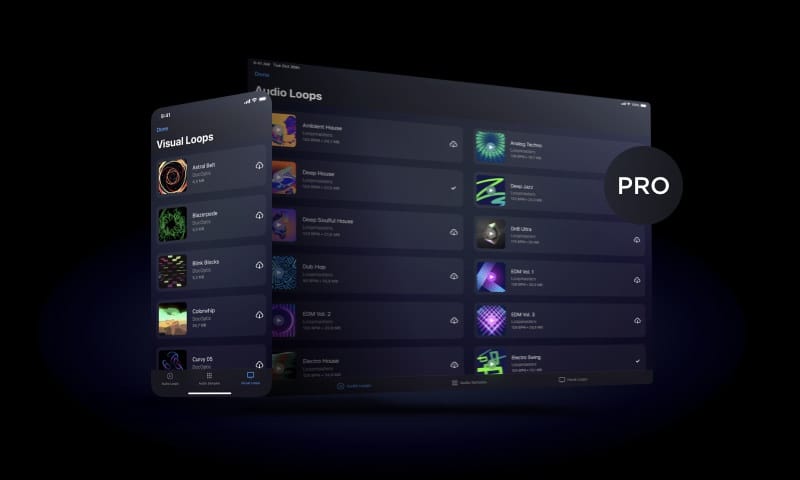
With the monthly djay Pro subscription, users have all the features they know and love from previous mobile and desktop versions, along with some cutting-edge new tools and a massive library of high quality samples, loops and effects. Top features include
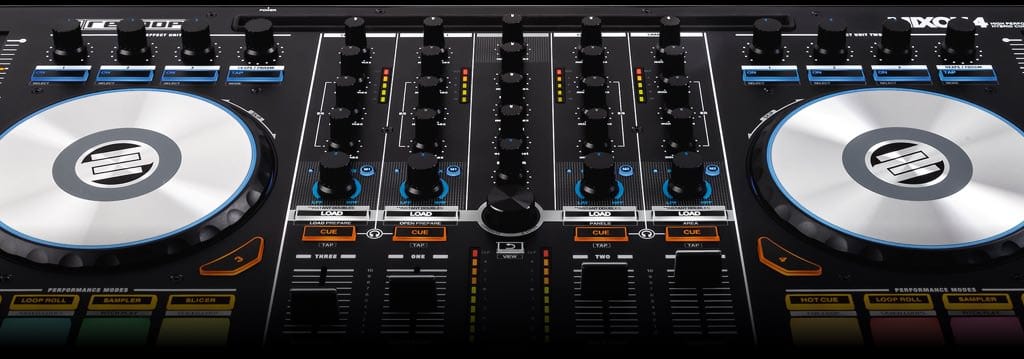
djay seamlessly integrates with professional DJ hardware from our official partners Pioneer DJ, Reloop, Numark, and Denon DJ.
Preview and prepare the next song through headphones: By enabling djay Pro's Split Output mode or by using an external audio interface you can cue songs through headphones independently from the mix that goes through the main speakers for live DJing.
djay integrates seamlessly with existing professional DJ hardware. In addition to supporting over 50 MIDI controllers by Pioneer, Numark, Reloop, and other manufacturers out of the box, djay also includes an advanced MIDI Learn system. It enables you to map each hardware control on your device to individual actions in djay Pro and customize your setup to match your style and performance needs.
djay Pro offers native support for USB audio interfaces, allowing you to preview your mix through headphones while delivering pristine sound quality through the main output.
Any of our supported hardware accessories for djay Pro work plug-and-play out of the box. This allows you to effortlessly setup your preferred DJ system.
Sign up for our newsletter
I would like to read about the latest and greatest on the djay product line by Algoriddim. If I should change my mind, I can unsubscribe at any time. Further information can be found in the privacy policy.