

Emma Short-E has been scratching since the year 2000, when she discovered she had a love for fr-fr-fresh scratching and funky hip hop. After much time spent learning techniques and developing her flow (which wasn’t always easy), she now loves to break things down for anyone that might be struggling with the art. Emma founded Studio Scratches in 2008 and is dedicated to assisting you become excellent at the art of scratching. She has a passion for sharing knowledge and encouraging and inspiring others to achieve their dreams.
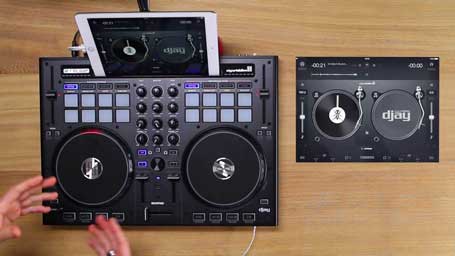
In this video you will learn how to setup djay 2 with the optimal settings for scratching with the Reloop Beatpad 2 controller.
Watch Video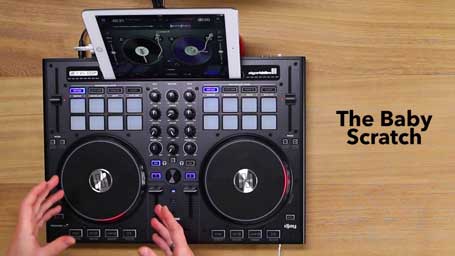
The baby scratch is usually the first scratch we learn and although it’s relatively simple, it’s the foundation for many other scratch techniques.
Watch Video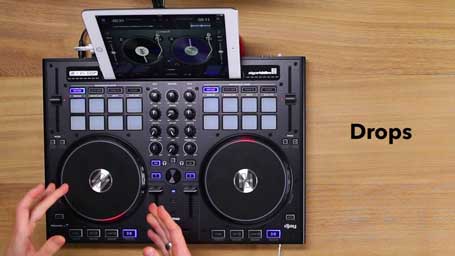
Drops are taking our hand off the record completely and letting the sample play forward, then rewinding it back to the beginning.
Watch Video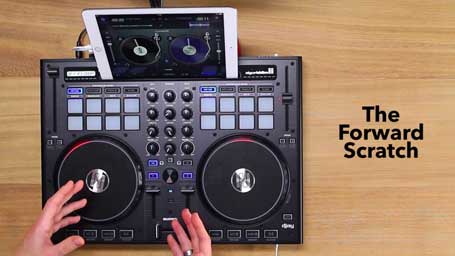
The forward scratch is the first scratch where we combine using the cross fader at the same time as using our record control hand.
Watch Video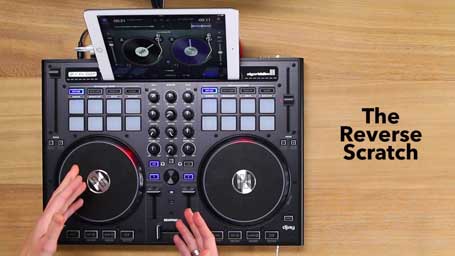
The reverse scratch is the second scratch where we combine using the cross fader at the same time as using our record control hand. It is the complete mirror opposite of the forwards scratch.
Watch Video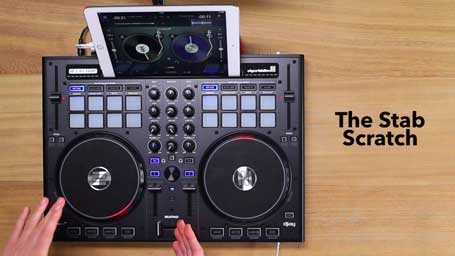
The main difference between the stab and the forward scratch is that instead of taking our hand off the jogwheel like we do in a forward, we push the jogwheel forward with our hand in a fast movement.
Watch Video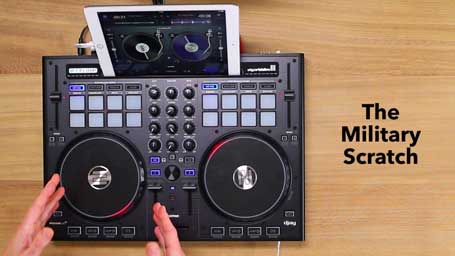
The military scratch is combination of baby scratches and stabs. It creates a regular, military marching feeling. It is simply a continuous baby scratch with random reverse scratches cut out and sounds like a marching drum pattern.
Watch Video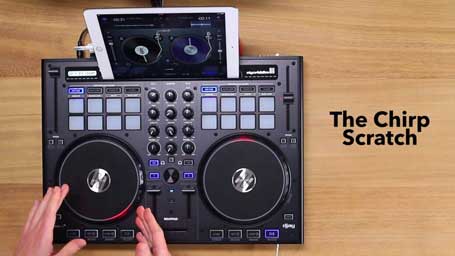
The chirp is a symmetrical pattern which makes 2 sounds and differs from the other basic scratches because we concentrate on turning the sound OFF rather than cutting it ON.
Watch Video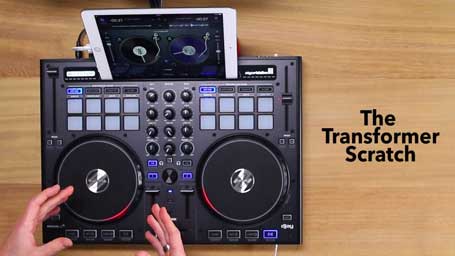
This scratch takes it’s name from the sound a cartoon transformer makes when it transforms into a different shape. We use the fader to chop up the sound into a rhythmic stuttering effect, cutting the crossfader on and off over the forward and reverse jogwheel movements.
Watch Video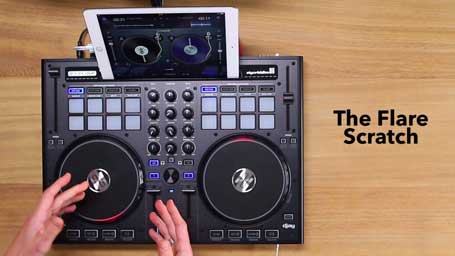
The flare scratch is an open fader scratch which uses one click to cut the sample in half, creating two sounds on both the forward and backwards jogwheel movements. It is also known as a 1 click orbit.
Watch Video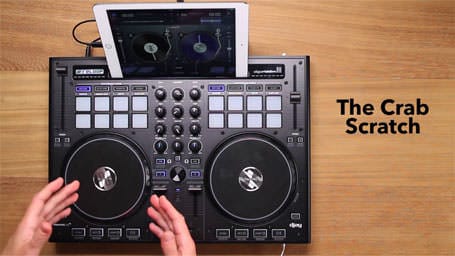
The crab scratch is a fader hand technique which produces sounds by running your fingers over the fader to cut the sound in sharply.
Watch Video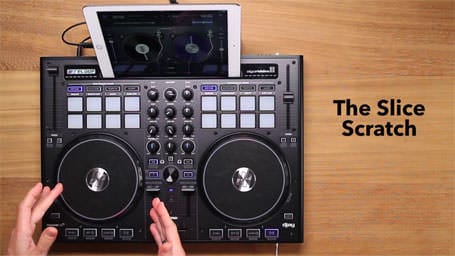
The slice scratch is an important foundation scratch which forms the basis for many combos such as see saws, boomerangs and the autobahn.
Watch Video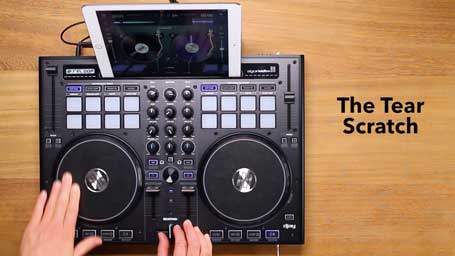
The tear scratch is a faderless scratch which involves pausing the movement of your jogwheel hand during the forwards and backward movements to create a staggered motion, dividing the sound into two or more parts.
Watch Video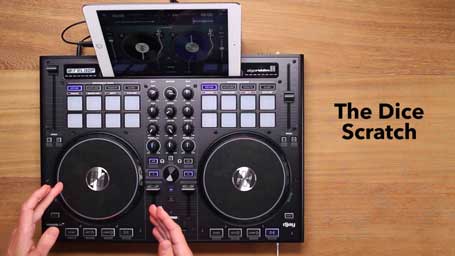
The dice scratch or “dicing” builds on the tear scratch by combining it with transform style fader clicks to create a more controlled, sharper sound. Dicing is also sometimes referred to as “Transformed Tears”.
Watch Video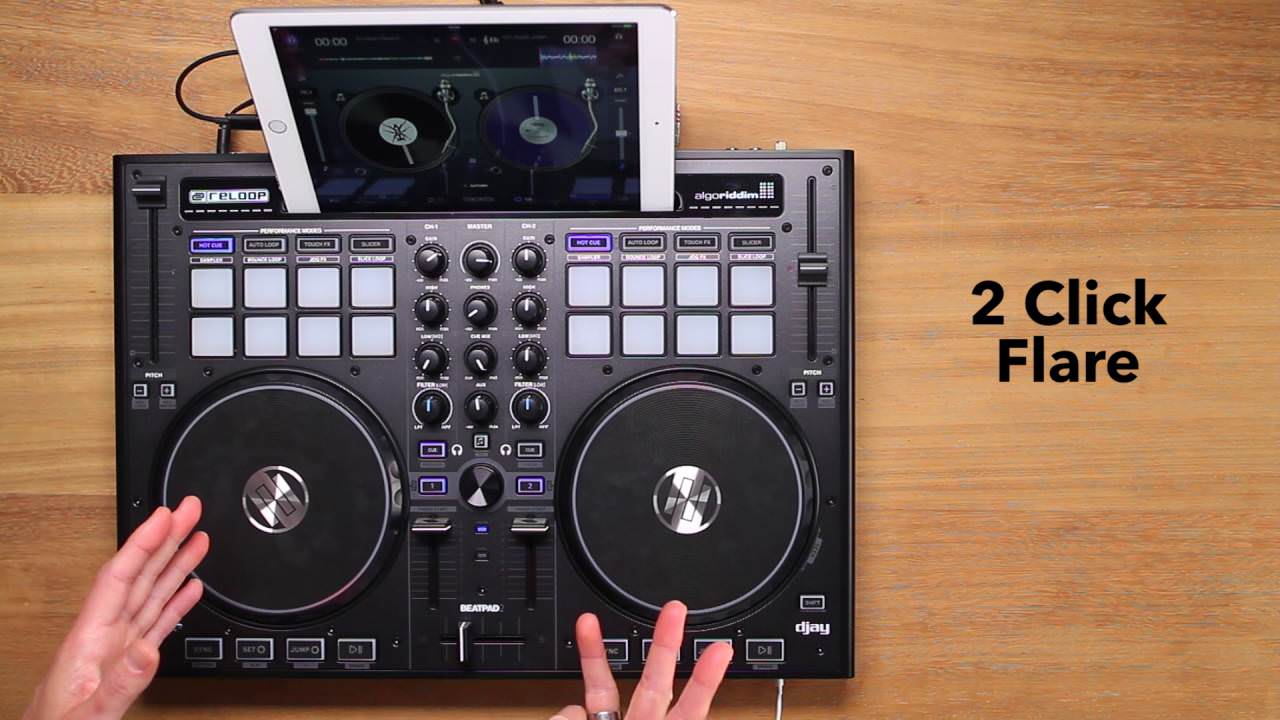
The 2 click flare is an open fader scratch which uses the same principle as the one click flare. We use 2 fader clicks to cut the sample into 3 parts, creating 3 sounds on both the forward and reverse jogwheel movements.
Watch Video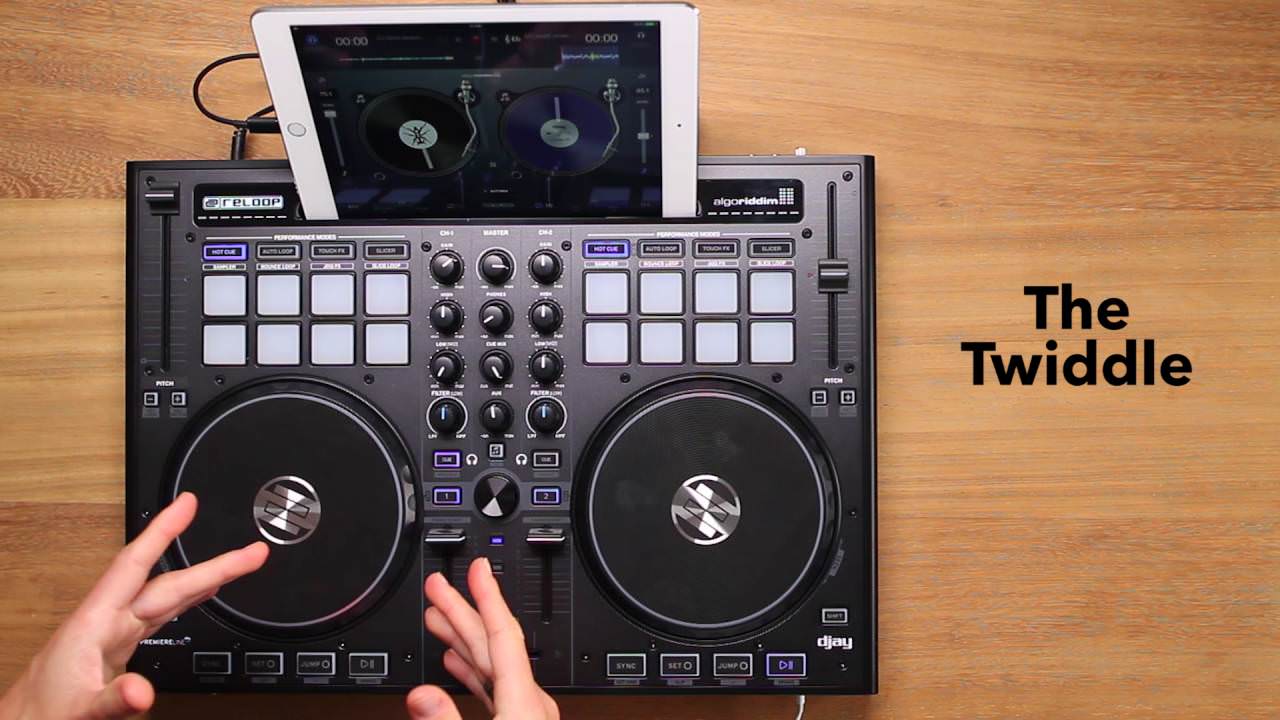
The twiddle scratch is a fader technique rather than an individual scratch. It is simply a 2 finger crab, which uses the middle and index fingers to snap the fader off and on.
Watch Video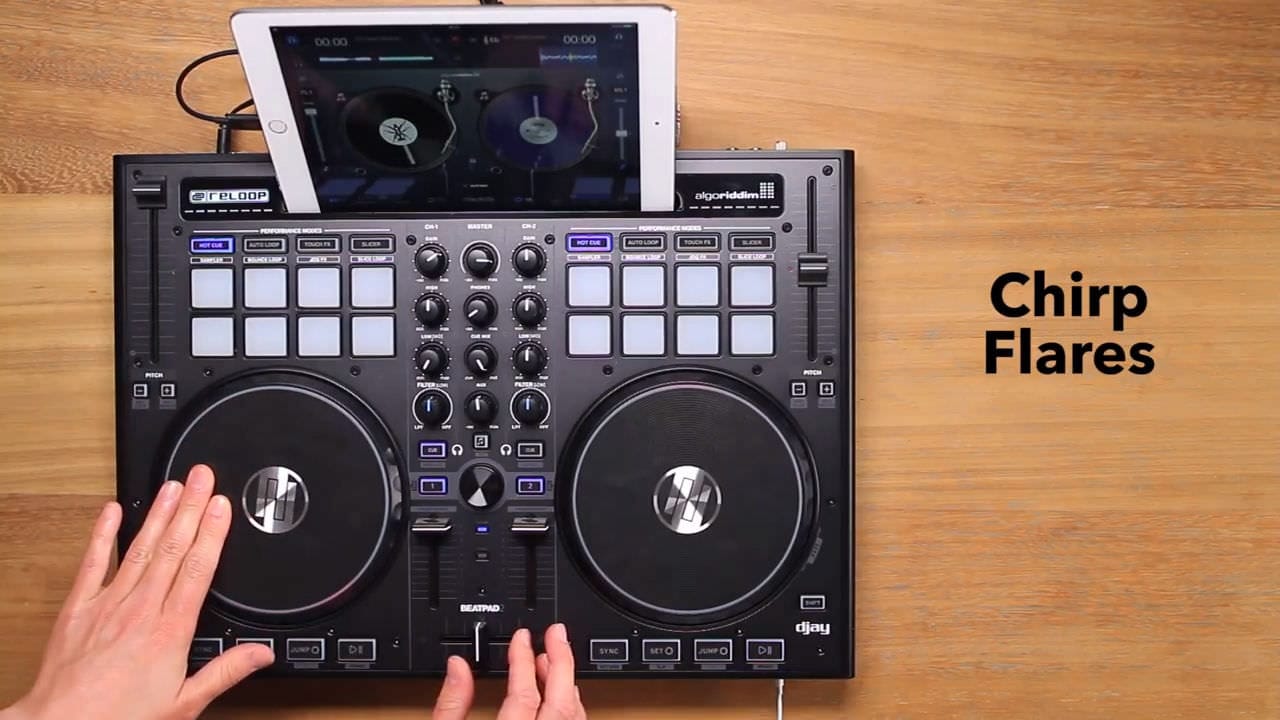
The Chirp Flare is one of the first combos we learn. It’s simply a chirp followed by a one click flare.
Watch Video
Amsterdam born DJ and producer DJ TLM has been rocking crowds at clubs, festivals and corporate/private events for over 25 years. The open format DJ is best known for his ability to incorporate turntablism into his club sets. DJ TLM is also well known for performing as a tour DJ. You can frequently catch him live on stage with Dutch platinum selling Hip Hop artist Brainpower. They have done over 3500 shows in the last 19 years and still perform regularly. In this #AskTheDJ video series DJ TLM answers some of the FAQs for DJs.
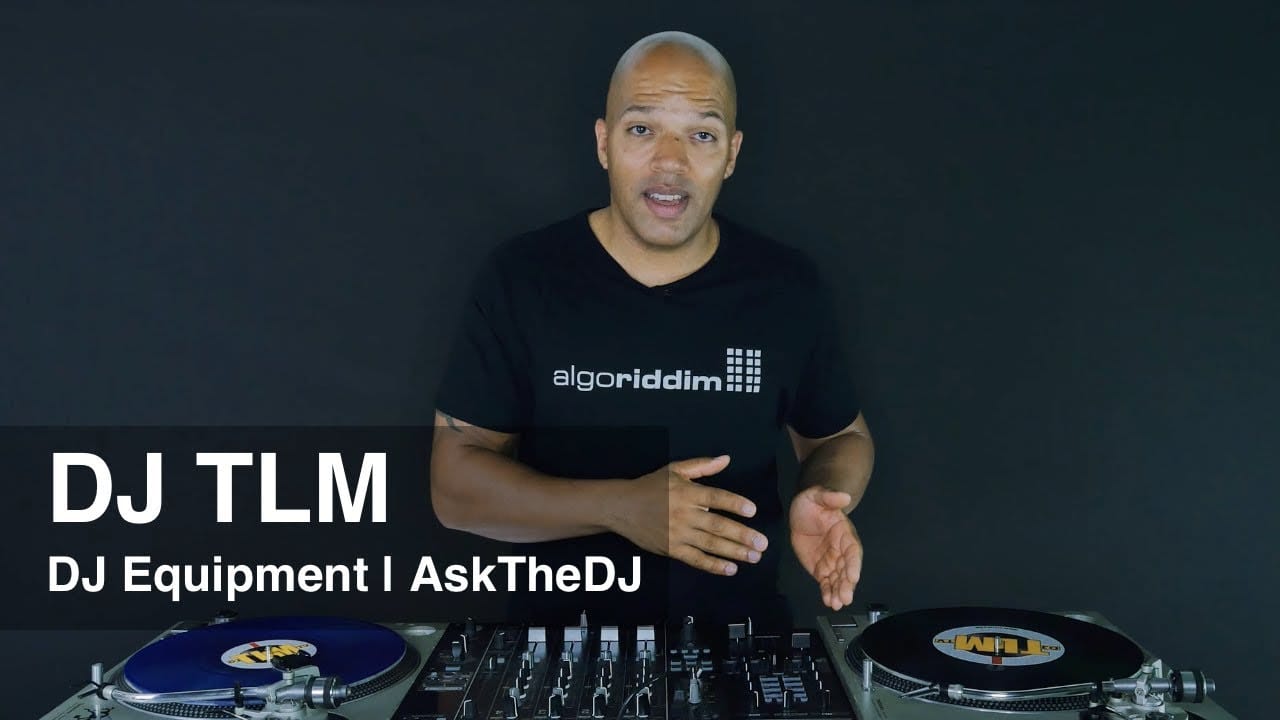
What do you need to start DJ'ing? In this video you'll learn about different equipment options to get started.
Watch Video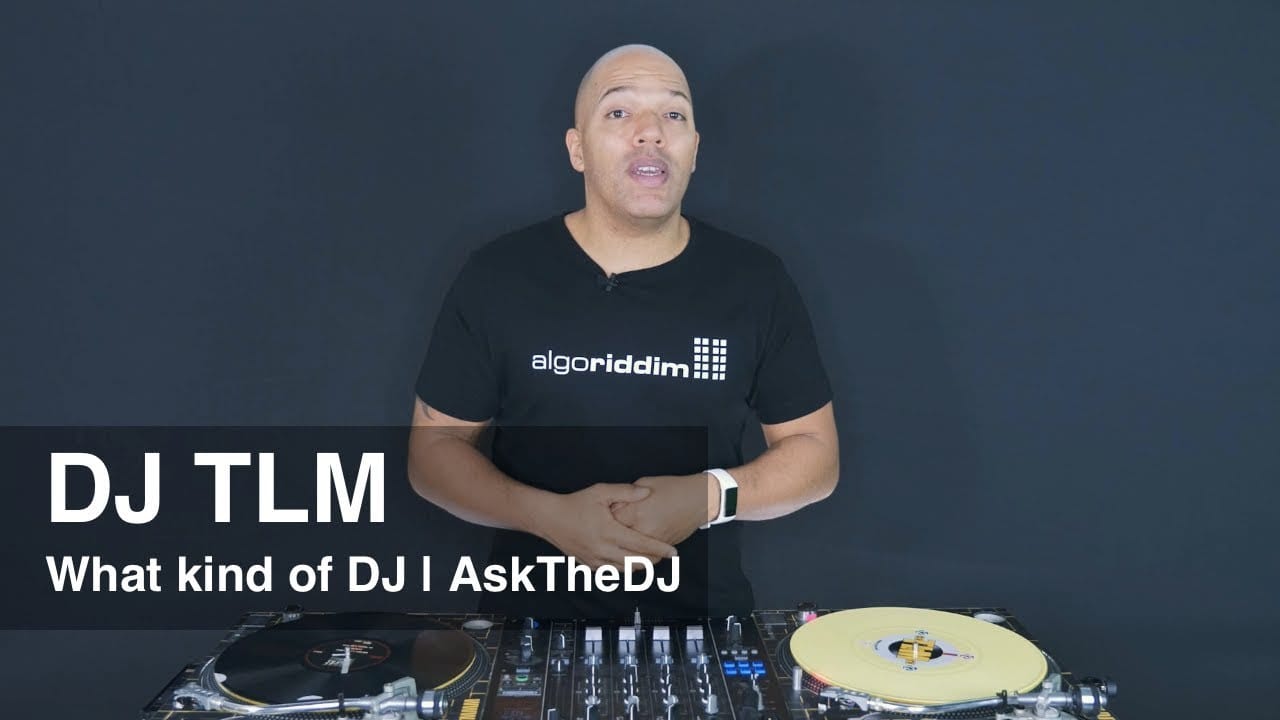
What kind of DJ do you want to be? Bedroom DJs vs. Mixtape DJ vs. Radio/Podcast DJ vs. Mobile DJ vs. Club DJ
Watch Video
Where do DJs buy music? Vinyl vs. iTunes vs. Beatport vs. CDs vs. Digital Record Pools vs. Streaming
Watch Video
The importance of knowing how to count music. Why and how to count music for DJs
Watch Video
Why it's important to have a list of what you need for your gig, the items that should be on the list and how this prevents you from forgetting anything that you need.
Watch Video
Why it makes sense not to mix everything and how this can save you a lot of stress and headaches.
Watch Video
Why the warmup set is one of the most underrated and overlooked elements of being a good DJ.
Watch Video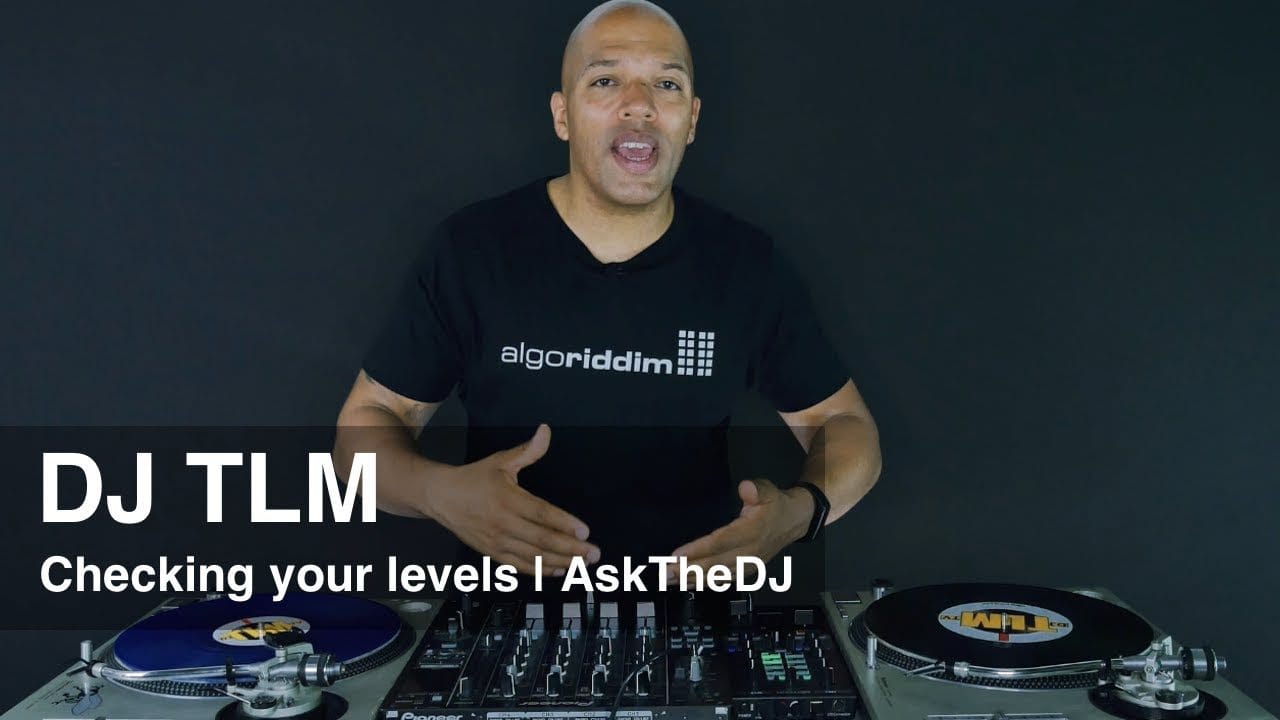
Why it's important to avoid red lights on the mixer and how to get loud and clear hight quality sound.
Watch Video
Is it important to be a producer as a DJ? What's the connection between DJing and producing?
Watch Video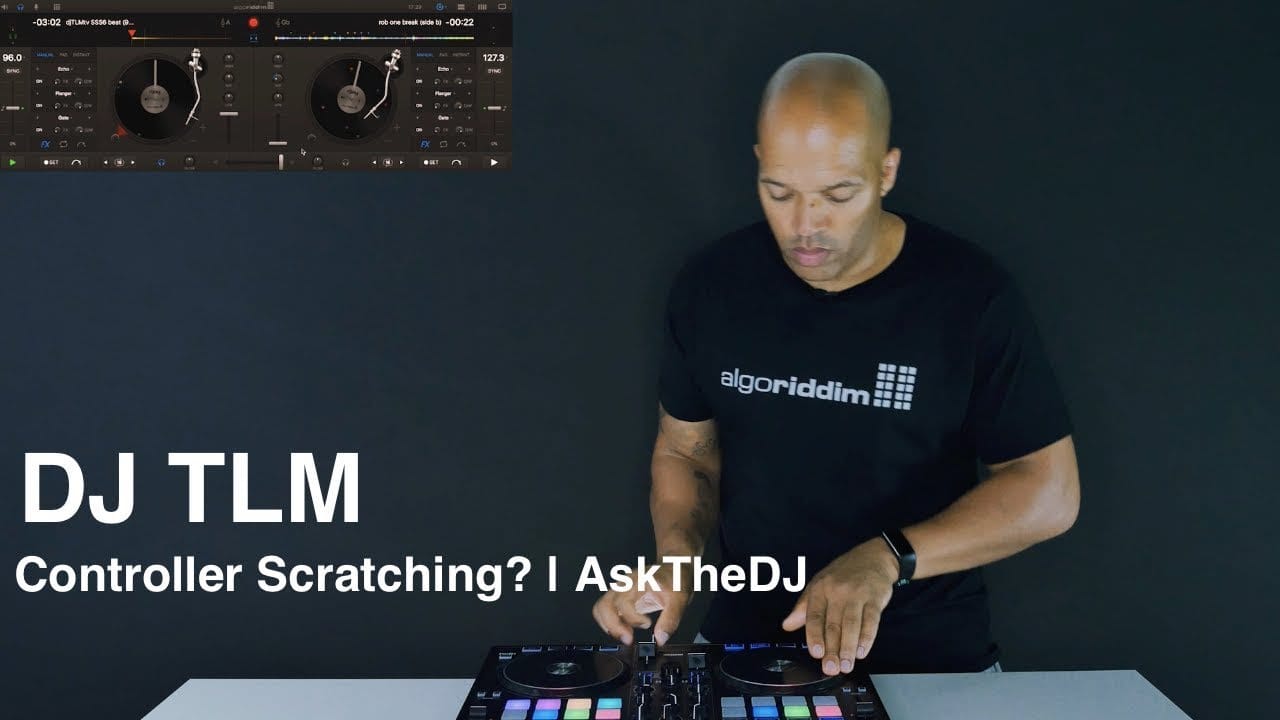
Can you scratch on DJ controllers - what's possible and how controllers compare to turntables.
Watch Video
What should be in your DJ bag, what you need for your gigs and why it's important.
Watch Video
Everything you need to know about Cue Points, when to use them and how to use them in digital DJ software.
Watch Video
How long should you play tracks during your set? This depends on common sense, scenario, type of event and your ability to read the crowd.
Watch Video
After nearly two decades of performing throughout the world, Hapa continues to leave his mark and legacy in the DJ community and beyond. Hapa is currently the National Brand Director for the prestigious Scratch DJ Academy with locations in New York, Miami, and LA. The Academy was founded in 2002 by the famed Jam Master Jay from RUN DMC and is his living legacy. With Hapa’s direction, the Academy has grown into the world’s leader in DJ education and continues to raise the standard of DJs around the globe.

In this video DJ Hapa teaches you everything you need to know about preparing your mix. You'll will learn about the tempo (BPM), music theory (beats, bars and phrases), beat grids, the structure of songs and cue points.
Watch Video
In this video DJ Hapa teaches you how to mix two songs together, which mix points to use (in- and out-points). You'll learn how to sync and fade between songs for a seamless mix.
Watch Video
In this video DJ Hapa teaches you ways how to improve your mix. You'll learn about using EQs, filters (high-pass and low-pass), looping and recording your mix.
Watch VideoSign up for our newsletter
I would like to read about the latest and greatest on the djay product line by Algoriddim. If I should change my mind, I can unsubscribe at any time. Further information can be found in the privacy policy.