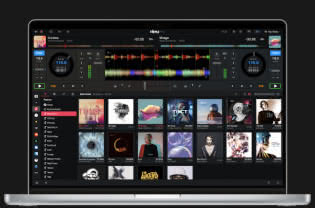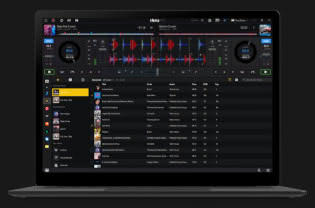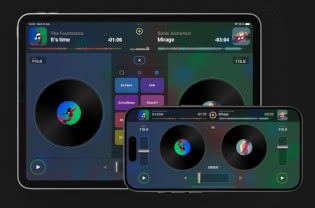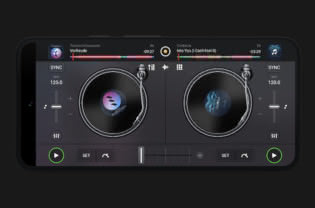
Get the #1 DJ app, seamlessly integrated with Apple Music and Spotify, and available on all major platforms - iOS, Mac, Windows, Android, Vision Pro, and Meta Quest. Download for free on mobile and desktop to unlock pro-level DJ tools, perfect for beginners learning to mix music and seasoned professional DJs alike.
Desktop
Mobile
Spatial
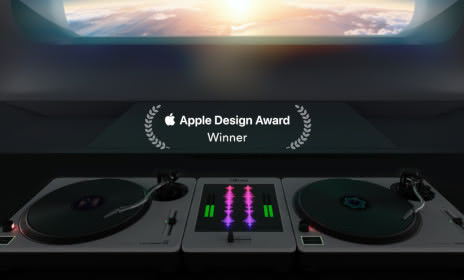
Apple Design Award winning DJ experience with 3D turntables, spatial FX, and immersive environments.
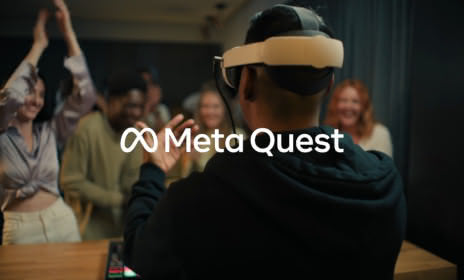
Groundbreaking DJ app for virtual and mixed reality, featuring USB MIDI and audio support, intuitive hand gestures, and more.
The PRO subscription allows you to use djay across Mac, PC, iPhone, iPad, Android, and Vision Pro.
Find Out More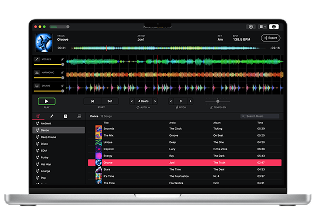
for Mac
AI-powered stem separation, music player, and audio editor for producers, DJs, and musicians. Isolate beats, instruments, and vocals from any song for seamless use in your favorite DAW, music production or DJ software.
Sign up for our newsletter
I would like to read about the latest and greatest on the djay product line by Algoriddim. If I should change my mind, I can unsubscribe at any time. Further information can be found in the privacy policy.