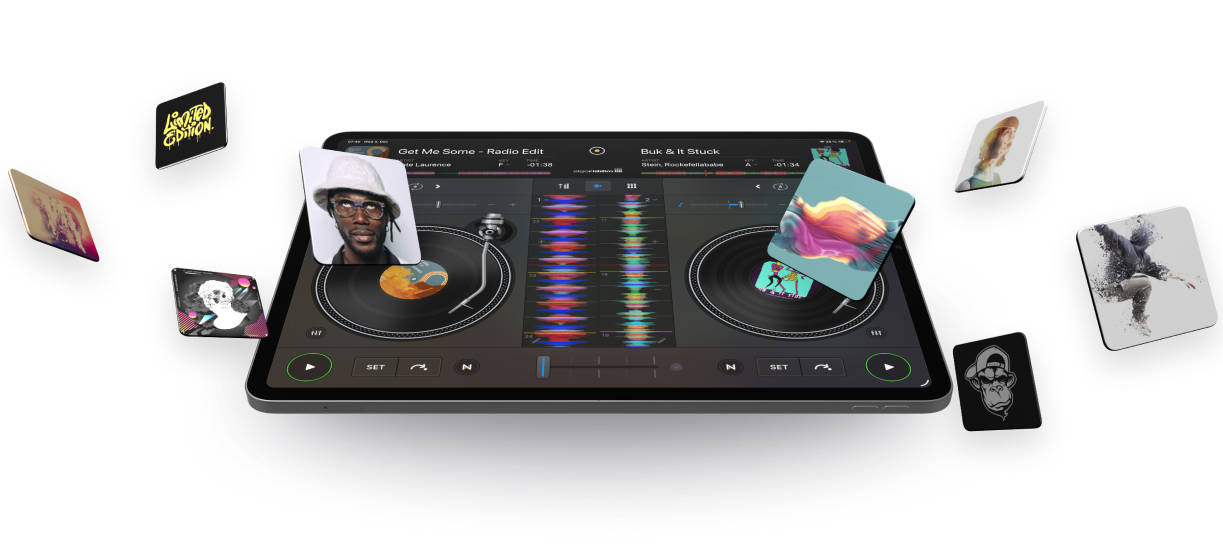
DJ with Spotify on iPhone, iPad, Mac, Android, Windows.
Ready to DJ with Spotify? With djay and Spotify Premium, you can now mix millions of songs from the entire Spotify music catalog – including your own playlists and Spotify’s editorial selections. Explore powerful DJ tools or let Automix create nonstop, beat-matched mixes for you. Whether you’re an experienced DJ or just starting out, djay gives you everything you need to mix and create the perfect DJ set with your Spotify Library.

Sit back and enjoy the ride
Chose your favorite Spotify playlist and let djay’s powerful AI handle the mixing – perfect beat-matched transitions, nonstop music. And when you’re ready to take over, Spotify’s editorial DJ playlists help you find the perfect next track that fits your flow.
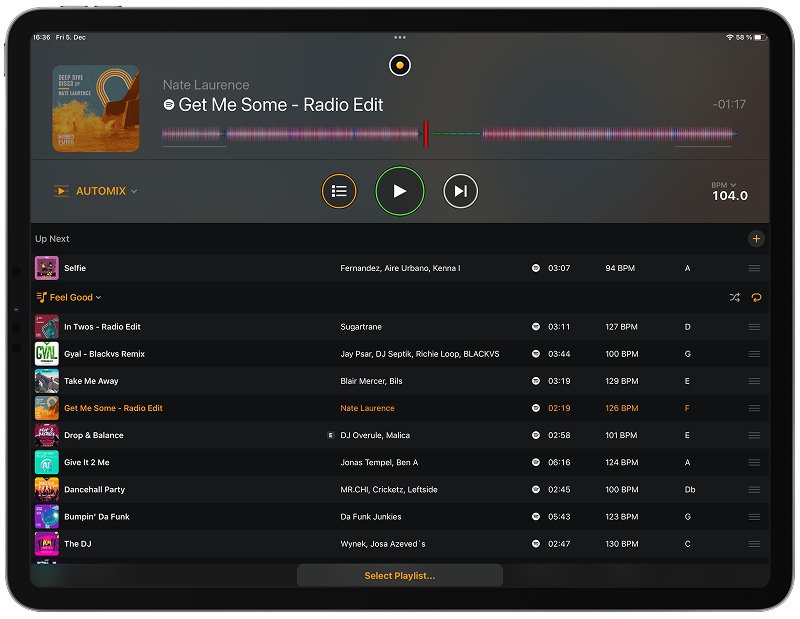
Get in the mix
Harness a full suite of DJ tools to shape your sound. From effects, cue points, and looping to 4-decks and hardware integration, djay gives you everything you need to mix your tracks from Spotify with precision and creativity. Play, mix, explore – you’re always in control of the music.
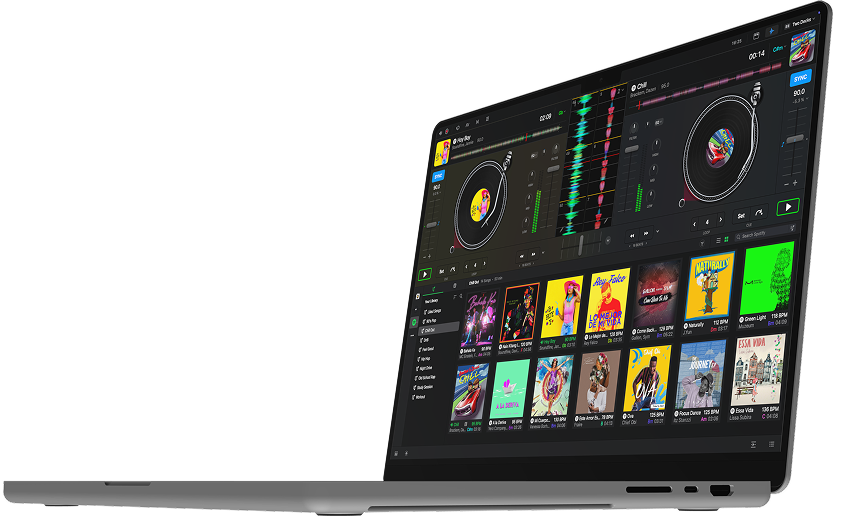
Sit back and enjoy the ride
Chose your favorite Spotify playlist and let djay’s powerful AI handle the mixing – perfect beat-matched transitions, nonstop music. And when you’re ready to take over, Spotify’s editorial DJ playlists help you find the perfect next track that fits your flow.
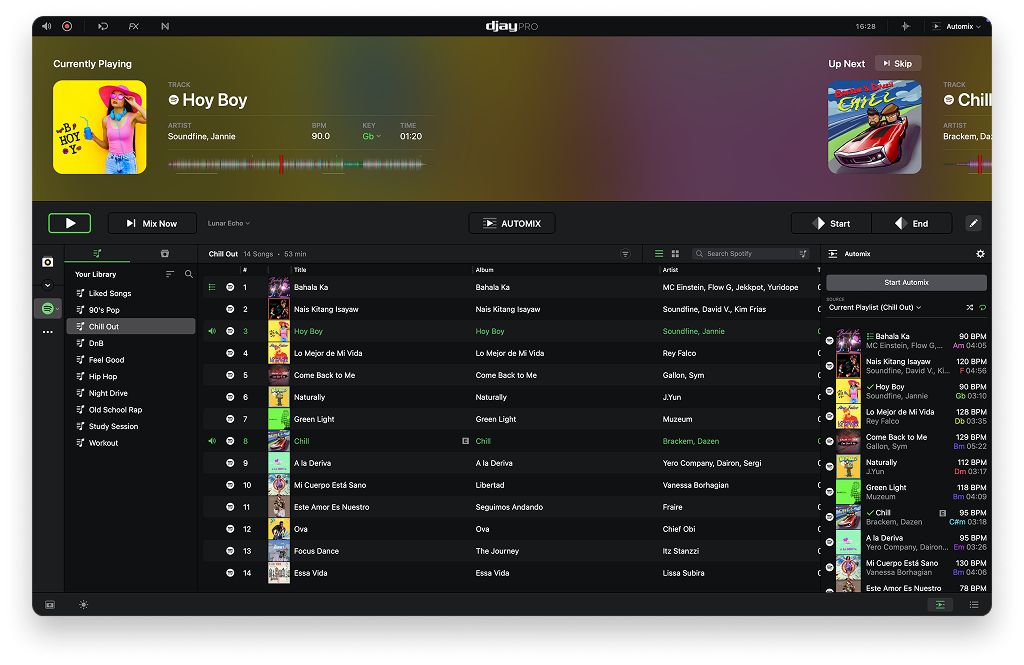
Connect optional DJ Gear
djay supports a wide range of DJ controllers, mixers, and accessories – all designed to seamlessly integrate with djay so you can mix your Spotify tracks with tactile control.
View All Controllers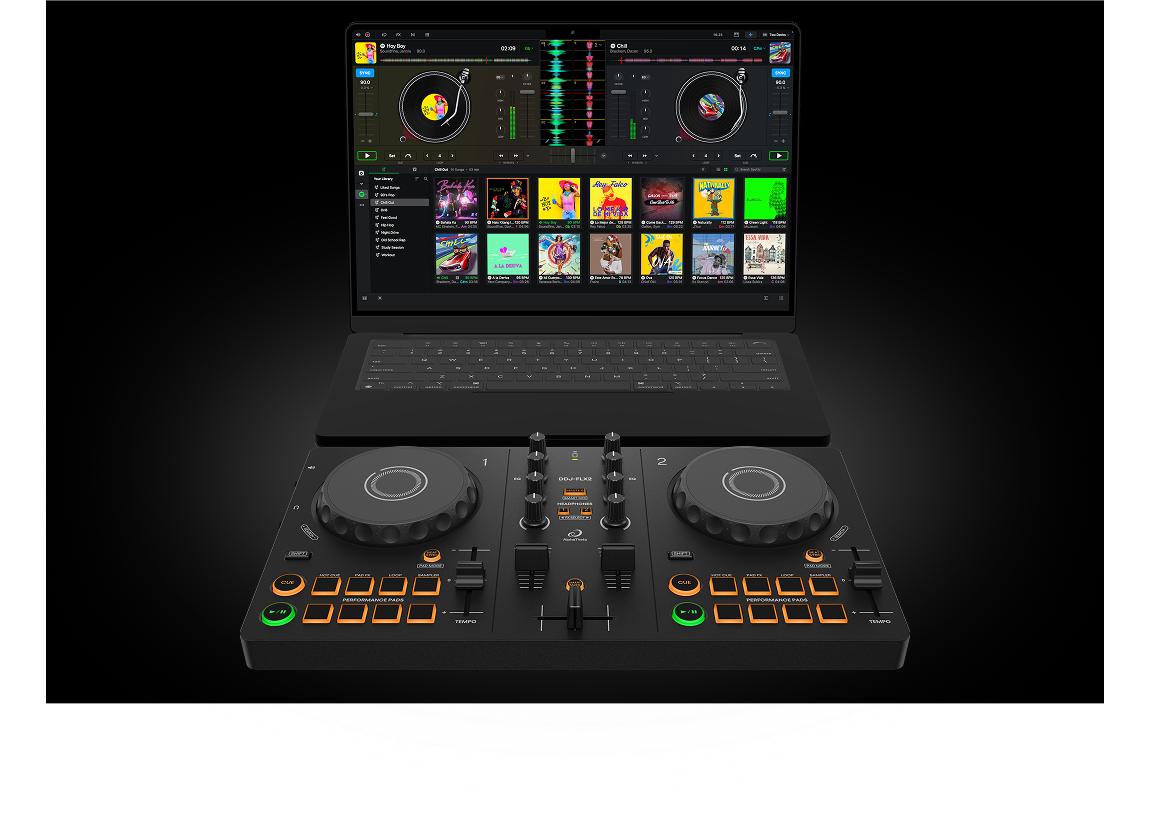
What you get
Award-winning, beginner-friendly interface designed for instant fun with your Spotify Library.
Automix for continuous, automatic mixes of Spotify playlists.
Support to DJ with Spotify using DJ hardware: over 100 devices supported via plug-and-play.
Intelligent beat-matching for smooth transitions across genres.
A full suite of DJ tools, loops, tempo & pitch changer, and 30+ audio effects.
Ultra-low latency and a world-class mixing engine, built to deliver maximum performance when mixing Spotify tracks.
What to know
Yes. With a Spotify Premium account, the free version of djay gives you full access to your Spotify Library including essential DJ tools like the mixer, filters & effects, cue points, looping, and more. A djay Pro subscription is optional and unlocks additional features such as Automix, hardware integration, and FX add-ons.
Yes. Spotify integration in djay is now available across iOS, Android, Mac, and Windows.
Certain djay features are not available when using Spotify, including Neural Mix (stem separation), recording, analyze library (offline batch analysis of tracks), creating and editing playlists, Match (track recommendations).
Yes. You can connect any of over 100 supported DJ hardware devices – including MIDI controllers (USB + Bluetooth), CDJs, DVS with turntables, audio interfaces, and mixers – and use them to mix your Spotify tracks inside djay.
Spotify integration in djay is supported across mobile and desktop starting with djay version 5.6. It runs on iOS 15 or later, iPadOS 15 or later, Android 10 or later, macOS 10.15 or later, and Windows 10 (version 21H1) or later.
Essential features include:
When using Spotify inside djay, some Spotify Premium features are not available, including: