
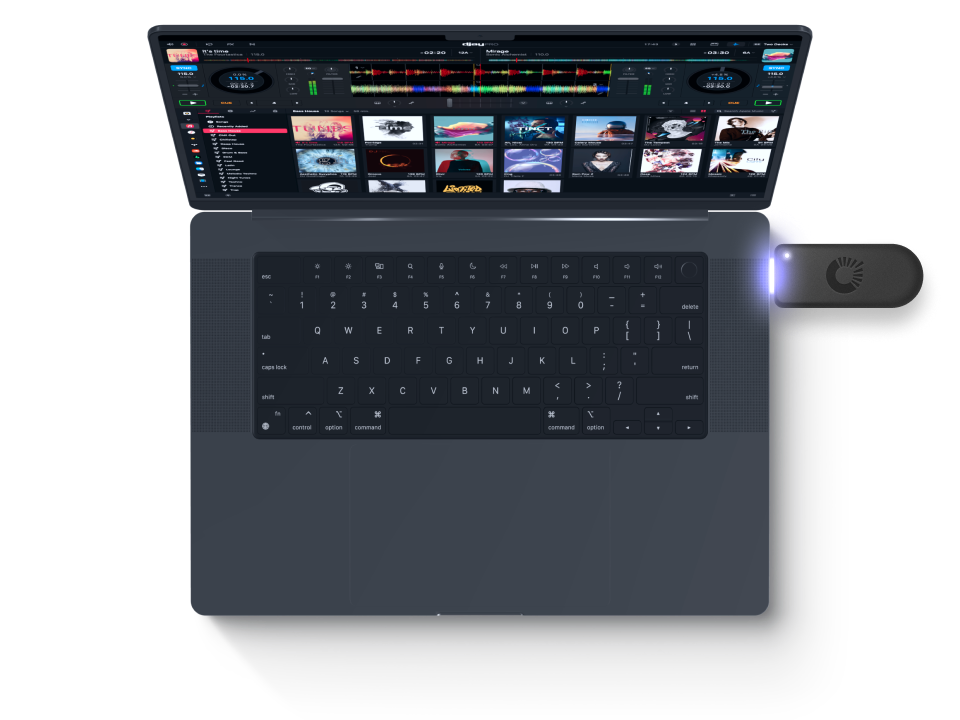
With OneLibrary, djay Pro introduces a universal DJ library format — developed in close collaboration with AlphaTheta — that unifies your playlists, cue points, and beat grids across DJ software, devices, and professional DJ hardware.
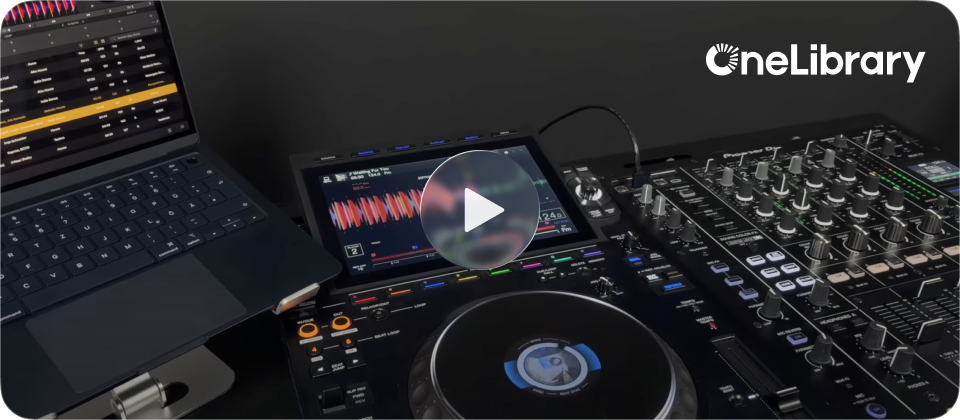
Universal Format
Prepare your set once — perform it anywhere. OneLibrary ensures that your DJ data — including playlists, cue points, loops, and beat grids — is stored in a unified, hardware-compatible format. You can export your library directly from djay Pro on Mac or Windows and use it instantly on iPhone, iPad, or compatible CDJ / XDJ systems without any additional data conversion or manual adjustment.
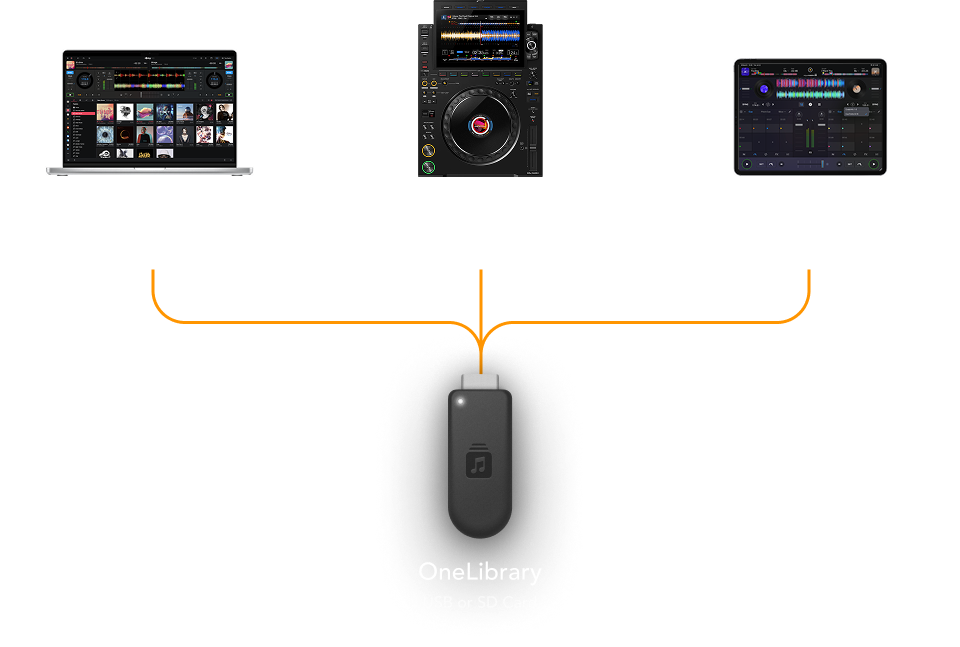
OneLibrary is the result of a groundbreaking collaboration between AlphaTheta, Algoriddim, and Native Instruments to create a unified music library format for DJs. By standardizing playlists, cue points, and beat grids across software and hardware, OneLibrary enables true interoperability — letting you prepare your set once and perform seamlessly on your preferred systems.
Perform seamlessly between desktop and mobile, or transition effortlessly to a pro club setup — all powered by a shared music library format.
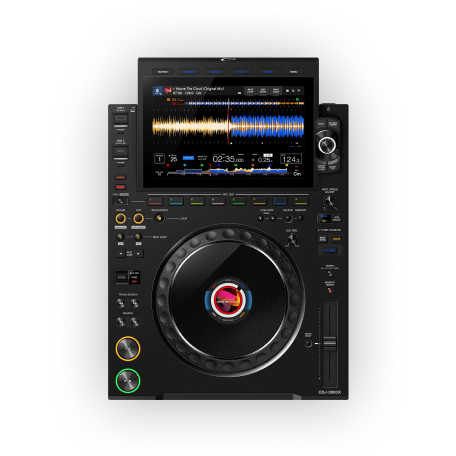
Works with djay, rekordbox, and supported DJ gear including the CDJ-3000X, XDJ-AZ, OPUS-QUAD, and OMNIS-DUO.
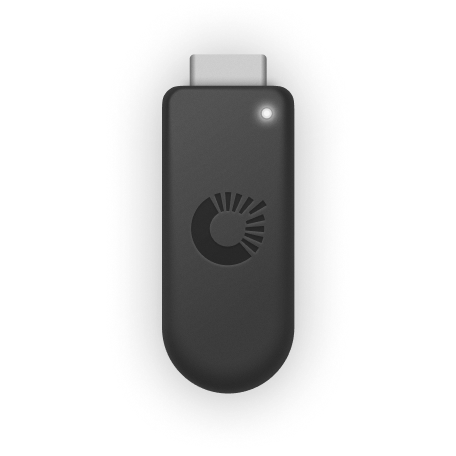
Export your library to a USB drive or SD card, and use it instantly on any supported device.
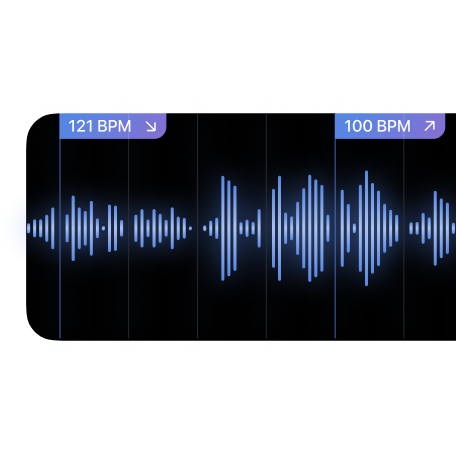
Beat grids, loops, and metadata stay consistent across devices — including djay’s unique dynamic beat grids.
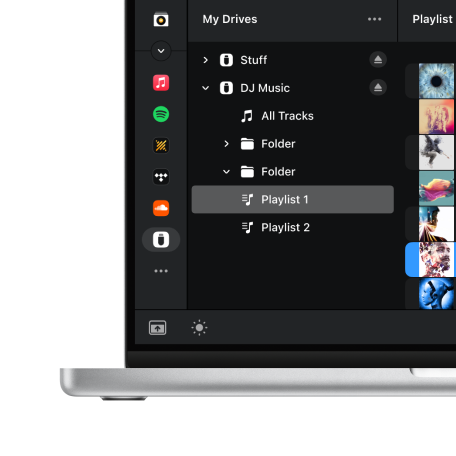
Simply connect your USB drive to djay Pro or to compatible DJ gear such as CDJs, and your library appears instantly.
OneLibrary is a universal DJ library database format developed in close collaboration with AlphaTheta. It is designed to standardise DJ performance data, including playlists, cue points, and beatgrids. This allows DJs to perform seamlessly across different software and hardware ecosystems.
With OneLibrary, you can seamlessly move your library between djay, rekordbox, and supported DJ hardware such as CDJ, XDJ, OPUS, and OMNIS systems.
Stored data includes:
Any changes you make — such as adjusting a cue point or beat grid — are automatically written back to the drive, ensuring your data remains consistent and synchronized across all supported software and hardware.
You can now plug that same drive into an iPhone, iPad, or compatible CDJ/XDJ system to access your playlists instantly — no laptop required.
OneLibrary supports the following file systems:
Yes — on macOS and Windows you can add, delete, or rename playlists and folders directly within the USB Library source. On iOS, OneLibrary is read-only, so editing must be done on desktop before exporting.
All cue points, loops, and beat grids are stored directly in OneLibrary on your USB drive. This means if you update or move a cue point on a CDJ, rekordbox, or another djay device, those changes are automatically reflected the next time you connect the same OneLibrary drive — ensuring perfect consistency and sync across your devices and workflow.
Currently, OneLibrary is supported on the models listed above. Please make sure your hardware is updated to the latest firmware version to ensure compatibility. Future hardware and software updates will continue to expand OneLibrary support.